
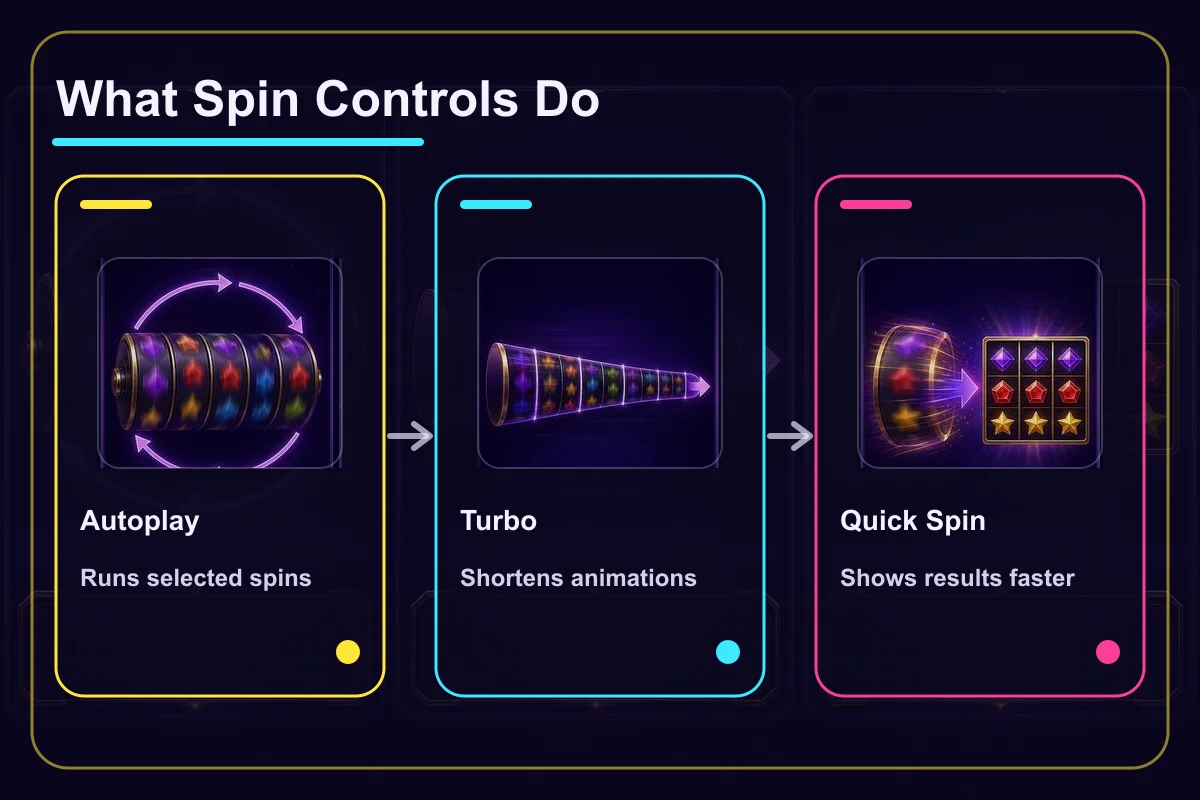
Autoplay, Turbo, and Quick Spin change how a spin is started or displayed; they do not improve the chance of winning. Autoplay starts a selected number of rounds in sequence. Turbo and Quick Spin usually shorten the reel animation or the wait before a result appears. Names and exact behaviour vary by game.
When learning a new slot, begin with single manual spins and leave speed controls off. It is much easier to see which symbol landed, when a feature began, and how the credit balance changed.
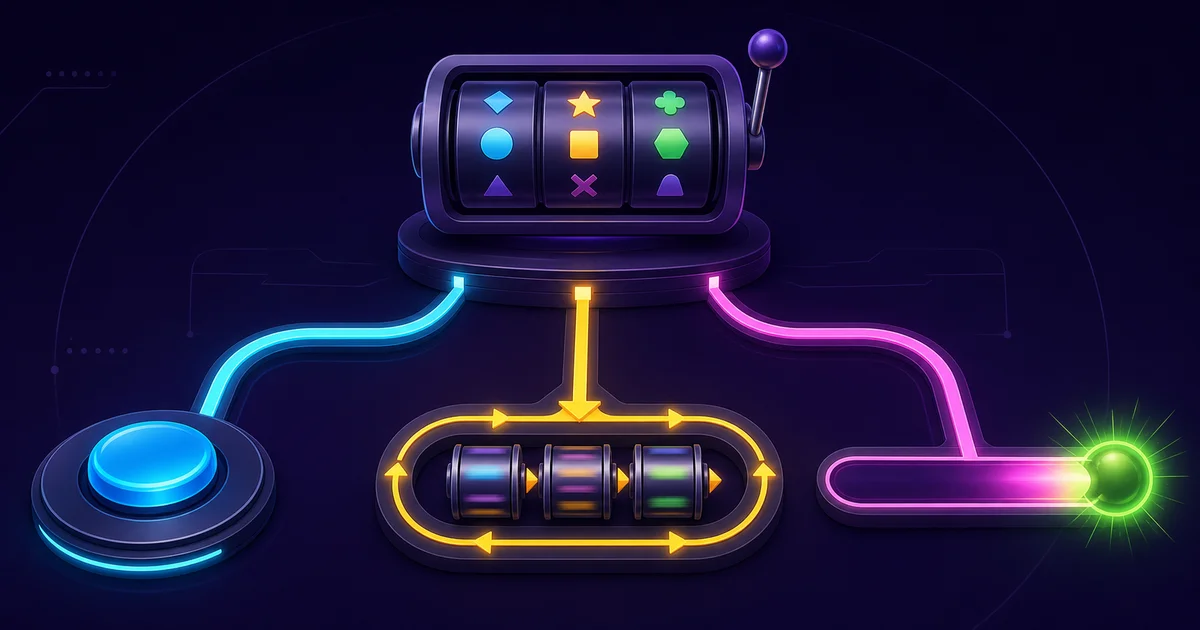
What Autoplay tells the game to do
Autoplay, sometimes labelled Auto Spin, starts the next spin without another press. You normally choose a number of rounds before it begins. Some versions also offer stop conditions, such as stopping when Free Spins trigger, a win reaches a selected value, or the balance falls by a set amount.
Read the total commitment as well as the round count. Selecting 50 rounds at one credit per round permits up to 50 credits of demo stakes before returned wins are counted. Virtual credits carry no cash value, but the calculation is still useful practice for reading a control before confirming it.
Locate the stop button before starting. Set five demo rounds and stop the sequence once. If it is unclear whether the current round must finish first, return to manual spins and check the Help screen.
What Turbo and Quick Spin shorten
Turbo commonly accelerates the reels and completes the displayed spin faster. KONAMI Slots says its Turbo feature makes the reels spin and complete much faster during both manual and automatic play (KONAMI Slots Help Center, checked July 31, 2026).
Quick Spin is often a similar control for shortening the result sequence. A game may separate Turbo and Quick Spin, provide just one of them, or use a different label. Some games use “slam stop” for a press that ends the reel display early. These labels do not have one universal implementation.
The control changes display time, not the stake, RTP, or rule used to determine a result. Faster play can make events look more frequent because more rounds fit into the same period. It does not make a feature more likely on each spin.
Can the controls be combined?
Where supported, Turbo can remain on while Autoplay runs. The game then starts rounds in sequence and shows each result in less time. This combination can move through a selected round count very quickly, so it is poorly suited to a first rules check.
| Control | What changes | What it does not imply |
|---|---|---|
| Manual Spin | You confirm every round | A better result than another mode |
| Autoplay | Selected rounds start in sequence | Control over each result |
| Turbo / Quick Spin | The result display is shorter | Higher RTP or more bonuses |
Think of Autoplay and Turbo as separate settings. One decides who initiates the next round; the other changes how long the presentation takes.
Why some versions omit these buttons
Available controls depend on the game version, service, device, and local rules. One clear example is real-money online slots licensed in Great Britain. Those games cannot offer Autoplay, Turbo, Quick Spin, or another control that reduces the time until the result appears, and the next game cycle cannot begin for at least 2.5 seconds (UK Gambling Commission RTS changes, checked July 31, 2026).
The same title can therefore show a different control set on two services. A missing button is not necessarily a fault. Use the Help screen and rules that apply to the version in front of you.
A controlled demo comparison
Keep the same virtual stake and split the check into three short blocks:
- Run 10 manual spins and follow the stake and award sequence.
- Enable Turbo for 10 spins and observe only the display-time difference.
- Turn Turbo off, select five Autoplay rounds, and stop the sequence once.
After each block, note the number of rounds, elapsed time, and balance change. The aim is not to decide which mode “pays better.” It is to find the speed at which you can still explain the latest stake, result, and feature.
A demo teaches control placement and stopping behaviour. A short sample cannot measure bonus frequency. Read the active paytable for the actual feature rules.
Keep control if real money is involved elsewhere
More rounds per minute increase the amount staked over time even when the stake per round stays unchanged. Fast or automatic controls can reach a time or loss limit sooner.
Set those limits before play. If Autoplay is available, use a small batch that still gives you a natural point to review the balance. Do not leave a sequence running while doing something else, and do not use Turbo to chase a loss. Convenience should not remove attention from the amount at risk.
Spin Controls FAQ
Summary
Autoplay manages a sequence of rounds, while Turbo and Quick Spin shorten the presentation. None of them changes the award rules. Learn a game with manual spins first, then add speed only if you can still track the stake, result, and feature clearly.